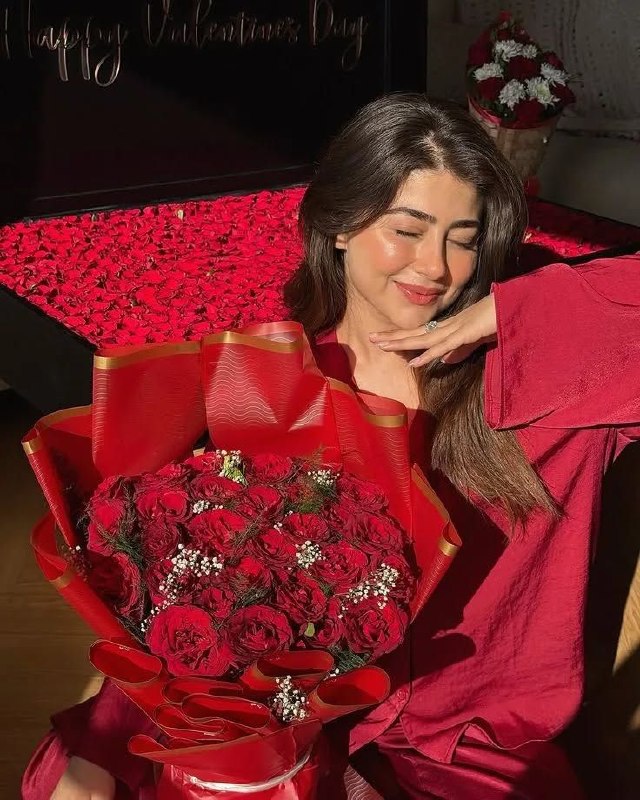
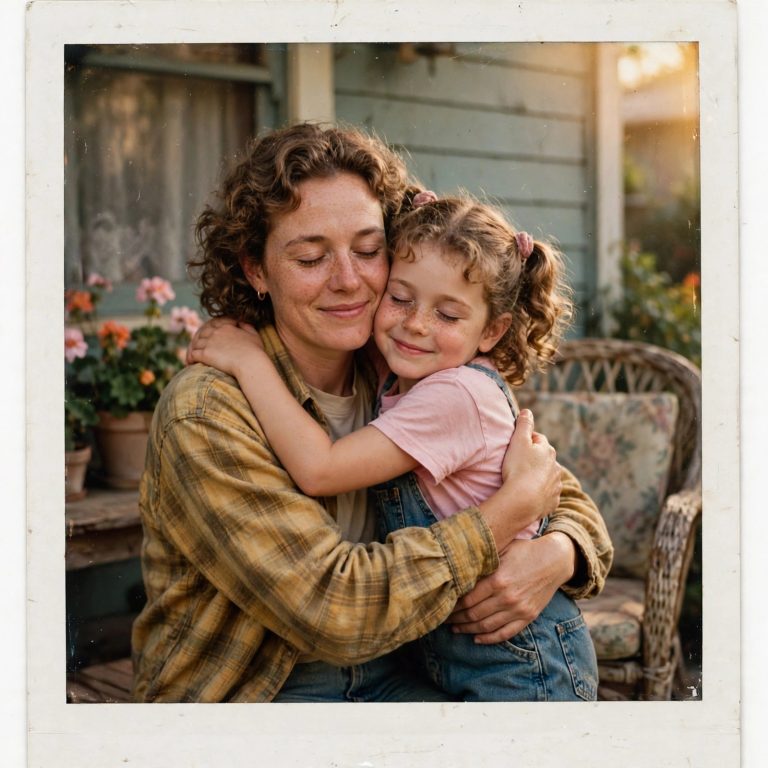
Christmas is when everyone wants a great photo — and this year, you do not need a studio or a photographer. Upload one clear photo to Gemini or ChatGPT, paste the right prompt, and turn it into a warm family portrait by the tree, a snowy street at dusk, or a Christmas card with your greeting on it.
Most Christmas AI photos go wrong in two ways: the faces drift until nobody looks like themselves, or the scene looks like a stock image with a Santa hat pasted on top. Fix both by anchoring the prompt to your photo, describing the scene in full sentences, and ending with a face-lock line.
Below are 8 original Christmas AI image prompts to copy and paste. They work in Gemini (Nano Banana), ChatGPT (GPT Image) and Midjourney — keep the last line untouched.
How to Write a Christmas AI Image Prompt That Keeps Your Face
Every prompt here follows the same five-part formula — learn it once and you can write your own for any scene.
1. Anchor to your photo. Start with “Using the provided photo.” Without it, a good prompt can still return a stranger in a Christmas sweater.
2. Describe the scene. Say where you are, what you are wearing and what is around you, in full sentences — the model then places objects in relation to each other.
3. Set the light. Christmas photos live or die on light — warm lamp light, firelight, amber shop windows or soft fairy lights. “Warm and low” is cosy; “bright and even” is flat.
4. Name the camera. “50mm lens, shallow depth of field, 4:5 portrait” stops the image looking like a phone snapshot.
5. Lock the faces. End with: “Keep every face and expression exactly as in the original photo. Do not add any other people or animals.” This stops the model “improving” your face into someone else’s.
New to prompt writing? See how to write AI image prompts that actually work and how to make AI images look photorealistic.
8 Christmas AI Image Prompts to Copy and Paste
Each prompt assumes one clear, well-lit photo uploaded first. For the card prompt, the quoted text is printed exactly as written — check the spelling first.
1. Cozy Sweater by the Tree
The classic Christmas portrait.
Using the provided photo, dress me in a red and white knitted Christmas sweater with a small reindeer pattern, sitting beside a tall decorated tree with warm white fairy lights and wrapped gifts at its base. Cosy living room, soft warm lamp light, gentle smile, 50mm lens, shallow depth of field, 4:5 portrait. Keep my face and expression exactly as in the original photo.2. Snowy Street at Dusk
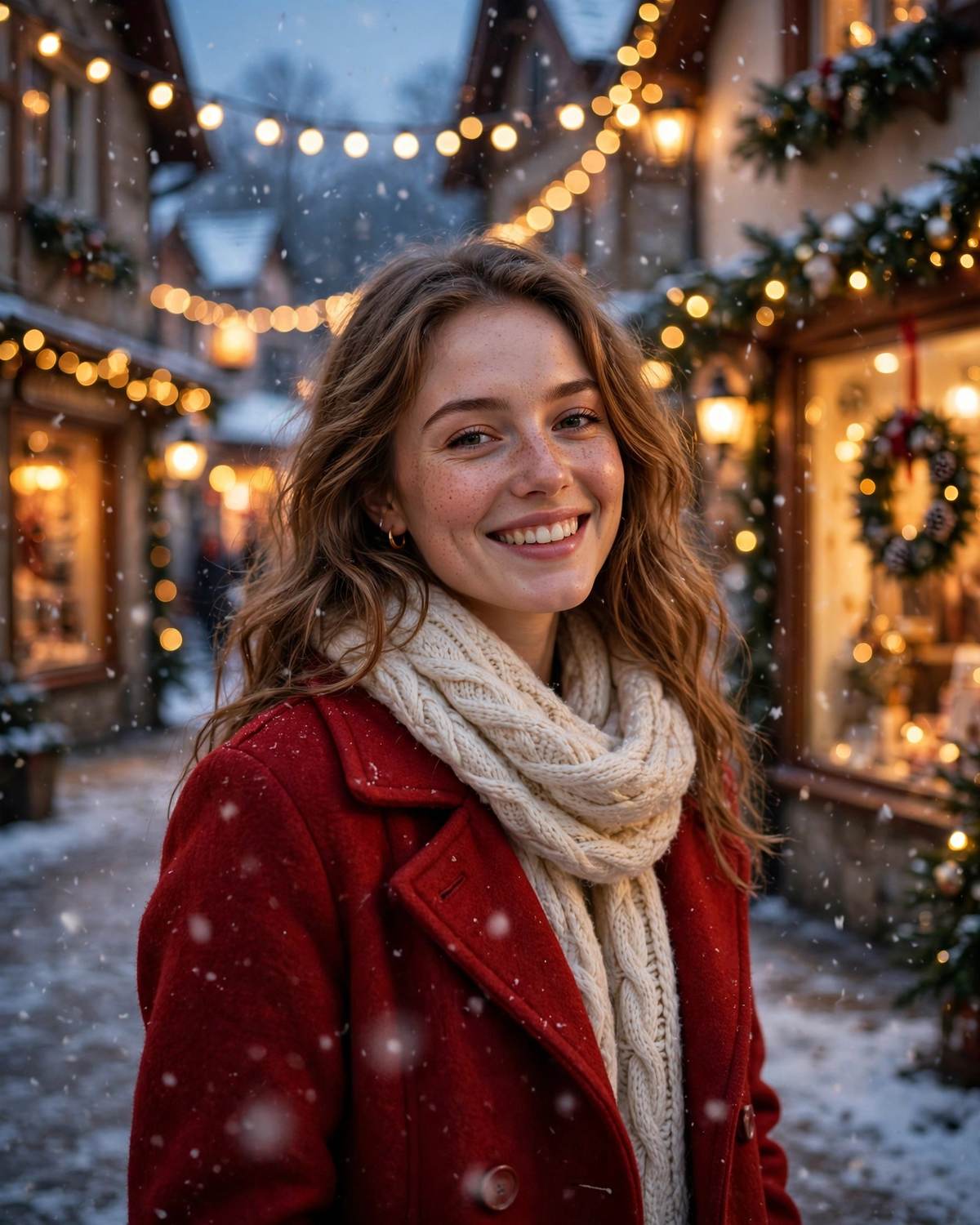
The most cinematic prompt on this list.
Using the provided photo, place me on a snowy street at dusk. Amber shop windows glow behind me, warm string lights cross above the street, light snow falls in the foreground. Deep red wool coat and knitted scarf. Cinematic portrait, soft golden bokeh, 4:5 portrait. Keep my face and expression exactly as in the original photo.3. Matching Family Pajamas by the Fireplace
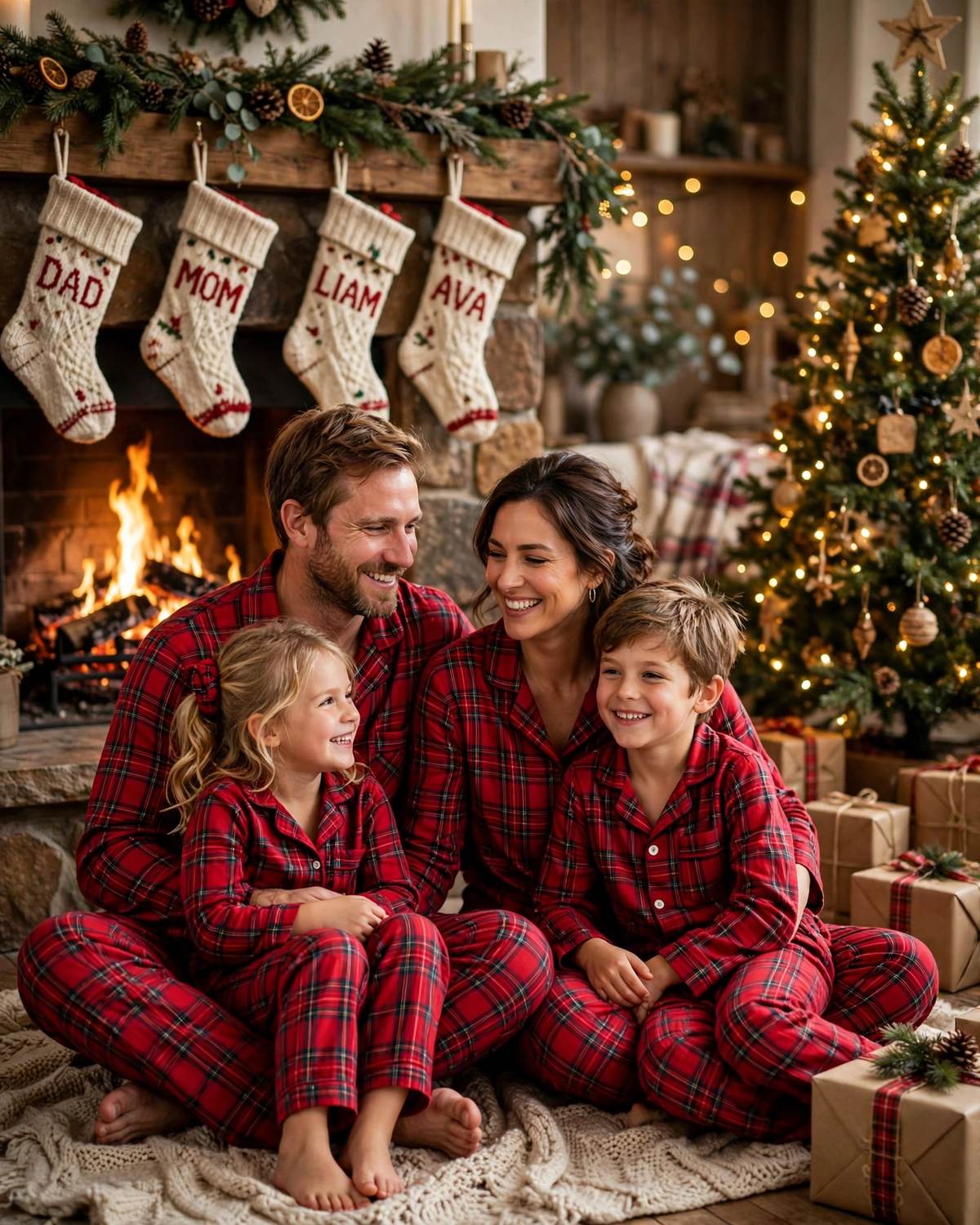
The family Christmas card photo. Upload a photo with the whole family in it.
Using the provided photo of our family, dress us in matching red plaid Christmas pajamas, sitting on a rug by a crackling fireplace with stockings hung above it. A decorated tree glows on the left, warm firelight on our faces, relaxed and happy, eye level, 50mm lens, 4:5 portrait. Keep every face and expression exactly as in the original photo. Do not add any other people.4. Couple Under the Mistletoe
A romantic one for couples — festive without turning into a joke photo.
Using the provided photo of the two of us, place us close together under a sprig of mistletoe in a doorway, smiling at each other. I wear a deep green velvet dress, he wears a dark blazer. Soft blurred Christmas lights behind us, warm romantic tones, shallow depth of field, 4:5 portrait. Keep both our faces exactly as in the original photo.5. Baby’s First Christmas in a Santa Outfit
Babies are the hardest subject for AI — use a close, well-lit photo.
Using the provided photo of my baby, dress the baby in a soft red Santa outfit with white fur trim and a tiny matching Santa hat, sitting on a cream blanket beside a small decorated tree with warm fairy lights. Soft window light, shallow depth of field, 4:5 portrait. Keep the baby's face and expression exactly as in the original photo. No text anywhere in the image.6. Christmas Card With Your Greeting
The only prompt here where the text matters — put your greeting in quotes, exactly as you want it printed.
Turn the provided photo into a landscape Christmas card. Place us in a warm living room beside a decorated tree, with a plain cream band across the bottom fifth of the image. In that band, write in elegant gold serif letters, spelled exactly: "Merry Christmas and a Happy New Year!" Warm light, 3:2 landscape. Keep every face exactly as in the original photo.7. 1990s Family-Album Snapshot
The retro film look is everywhere this Christmas.
Transform the provided photo of our family into a Christmas snapshot from the 1990s. We sit in front of a decorated tree with old-fashioned coloured lights and tinsel, wearing chunky knitted jumpers. Faded colour film look, warm orange cast, fine grain, soft flash, white paper border like an old photo print. Keep the people, poses and faces as they are.8. Your Pet in a Santa Hat
One small change, everything else untouched.
Using the provided photo of my dog, add a small red Santa hat with white fur trim, sitting slightly tilted on his head. Keep his fur colour and markings exactly as they are. Replace the background with a softly blurred living room lit by warm tree lights. Shallow depth of field, 4:5 portrait. No text anywhere in the image.Which Tool Should You Use: Gemini, ChatGPT or Midjourney?
All three can make every prompt above, but they are not equal at what matters most — keeping your face.
Gemini (Nano Banana) is best for photo edits — it changes only what the prompt asks for, so faces stay closest to the original. Nano Banana 2 handles up to four people reliably and is free with a daily limit.
ChatGPT (GPT Image) is best when your card or photo has text — its lettering is the most accurate, so greetings come out spelled correctly. Use it for prompt 6.
Midjourney is best when you do not start from a photo at all — a snowy village scene or a vintage card illustration. It is weaker at keeping a real face, so skip it for portraits. Our Midjourney prompts for beginners guide explains its parameters.
Pick Gemini for photos of people and ChatGPT for cards with text — that covers all 8 prompts above.
5 Mistakes That Ruin Christmas AI Photos
1. Forgetting the face-lock line. Without “keep my face exactly the same”, the model treats your photo as a rough suggestion — the result can look great and still not look like you.
2. Uploading a bad photo. A blurry, dark or half-covered face gives the model nothing to preserve. Use a clear, front-facing, well-lit photo.
3. Asking for too much at once. Changing the outfit, location, weather, lighting and camera in one go gives the model too many decisions — change two or three things.
4. Letting the AI add text. Unless your prompt is the Christmas card (prompt 6), always add “No text anywhere in the image.” Models invent garbled words on sweaters and gift tags if you do not forbid them.
5. Regenerating until it is “perfect”. After two or three tries, change the prompt instead — usually one word is the problem.
Christmas AI Photo Checklist
Run through this list before you hit send:
- Clear, well-lit photo uploaded, faces fully visible
- Prompt starts with “Using the provided photo”
- Scene, outfit and light in full sentences
- Camera and format named (50mm, 4:5 or 1:1)
- Face-lock line at the end
- “No text anywhere” — unless it is a card
- Card greeting spelled right, inside quotes
- One change at a time — small edits, not a new prompt
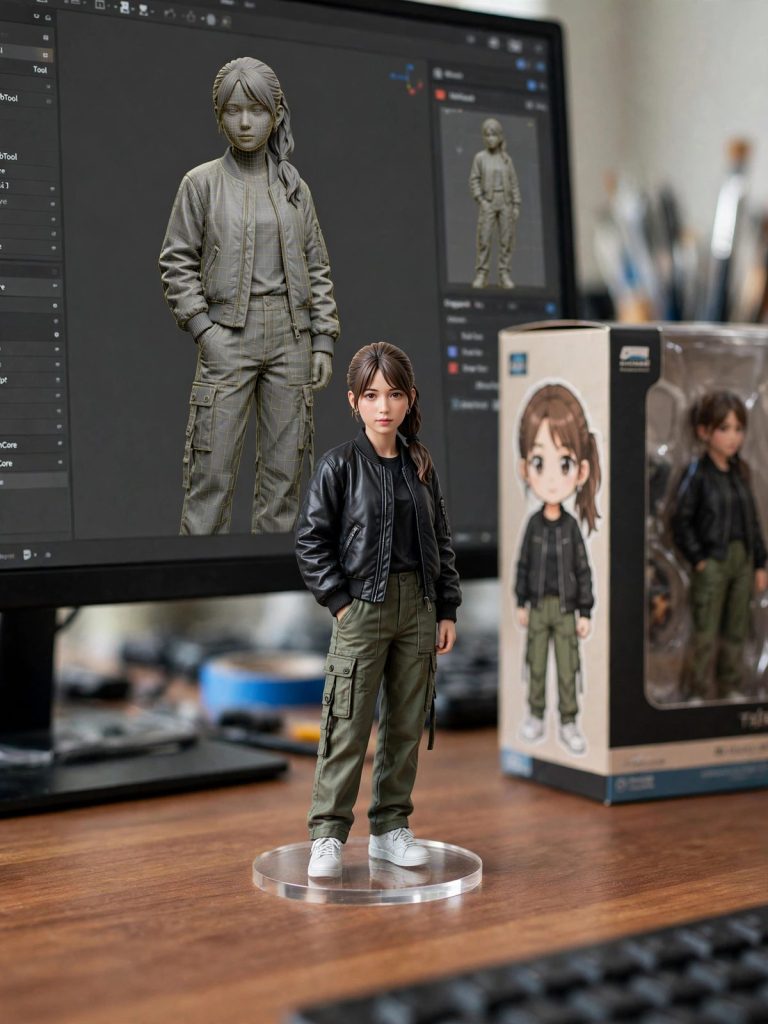
Christmas photos are the easiest AI images to get right: warm light, one clear subject, and a face-lock line. Start with prompt 1 or 2, then try the family or card version. For the other big trend of the season, our Gemini 3D figurine prompts turn the same photo into a collectible toy on your desk.