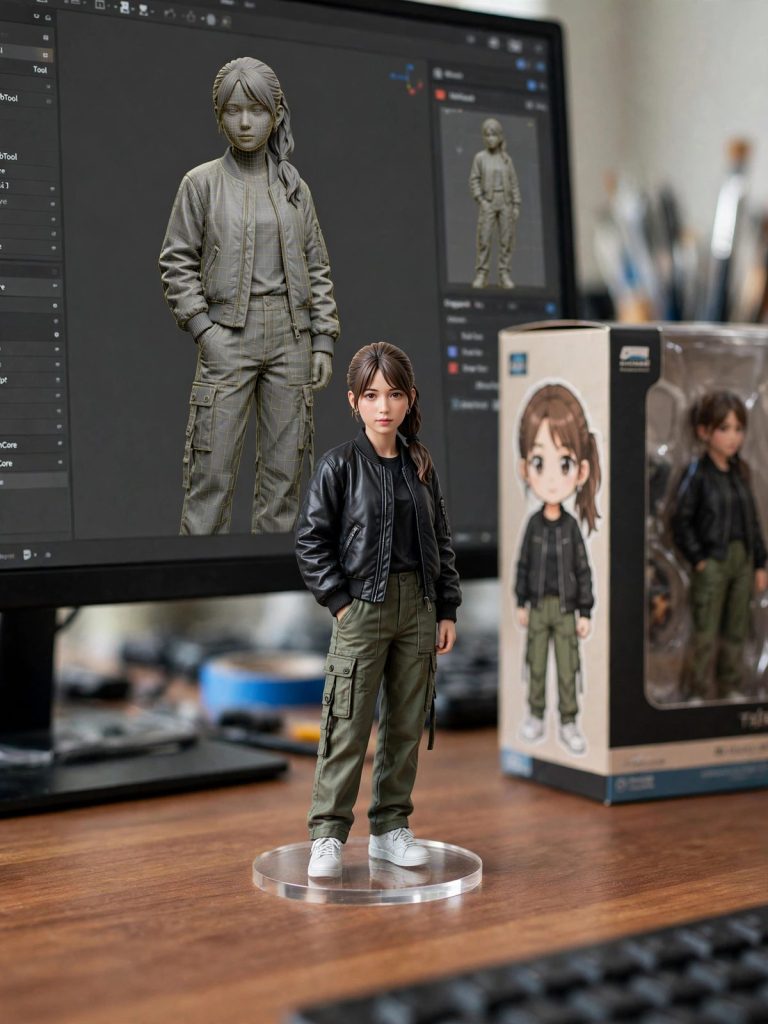
Photorealism is not created by adding the word “8K” or repeating “ultra realistic”. Believable images usually depend on consistent light, plausible perspective, coherent materials and details that fit the scene. A useful prompt explains what the camera sees and how light interacts with the subject.
Begin with a physically believable scene
Think about where the subject is, what supports it and where the light comes from. A person standing on a floor should have a plausible contact shadow. A glass object should show reflections that make sense for its environment. A window-lit room should have a consistent direction of light across objects.
Describe light rather than just mood
Use phrases that identify the source and quality: large soft window light, overcast daylight, a small hard spotlight, warm sunset backlight or a diffused studio softbox. Describe direction when it affects shadows. For a natural portrait, our AI portrait prompts guide shows how to describe pose, expression and light together. “Soft daylight from a window on the left, with gentle shadow falloff” gives more useful information than “beautiful cinematic light”.
Use camera language carefully
Camera descriptions can help communicate viewpoint and depth. A wide-angle view exaggerates perspective when the camera is close to the subject. A longer focal length often produces a more compressed look. A shallow depth of field can separate a subject from the background, but it should not blur important product details or make the setting unreadable. Framing choices also depend on AI image aspect ratios, which change how much of the scene fits in the frame.
Specific focal lengths are suggestions, not guaranteed technical controls. Models may interpret them as visual cues rather than simulate a precise physical lens.
Give materials the right visual cues
Describe texture using observable terms: brushed metal grain, fine fabric weave, natural wood pores, soft paper fibres or subtle skin texture. Avoid asking for every surface to be glossy and perfectly smooth. Real materials have variation, edge transitions and reflections that depend on the light.
Allow controlled imperfection
When appropriate, small natural variations can make a scene feel less synthetic: slightly uneven folds, gentle texture, subtle dust on an old surface or natural hair movement. Do not add random flaws to a clean commercial image. The imperfection should match the subject and context.
Photorealistic prompt template
Photographic image of [subject] in [believable setting], [action or pose].
Camera viewpoint: [eye level / high angle / low angle], [close / medium / wide] framing, natural perspective.
Lighting: [realistic light source], coming from [direction], with [soft / defined] shadows.
Materials and detail: [specific textures that matter].
Depth: [background sharpness or gentle depth of field].
Colour: [natural or deliberately chosen palette].
Avoid [specific errors or distractions].
Example: a quiet street after rain
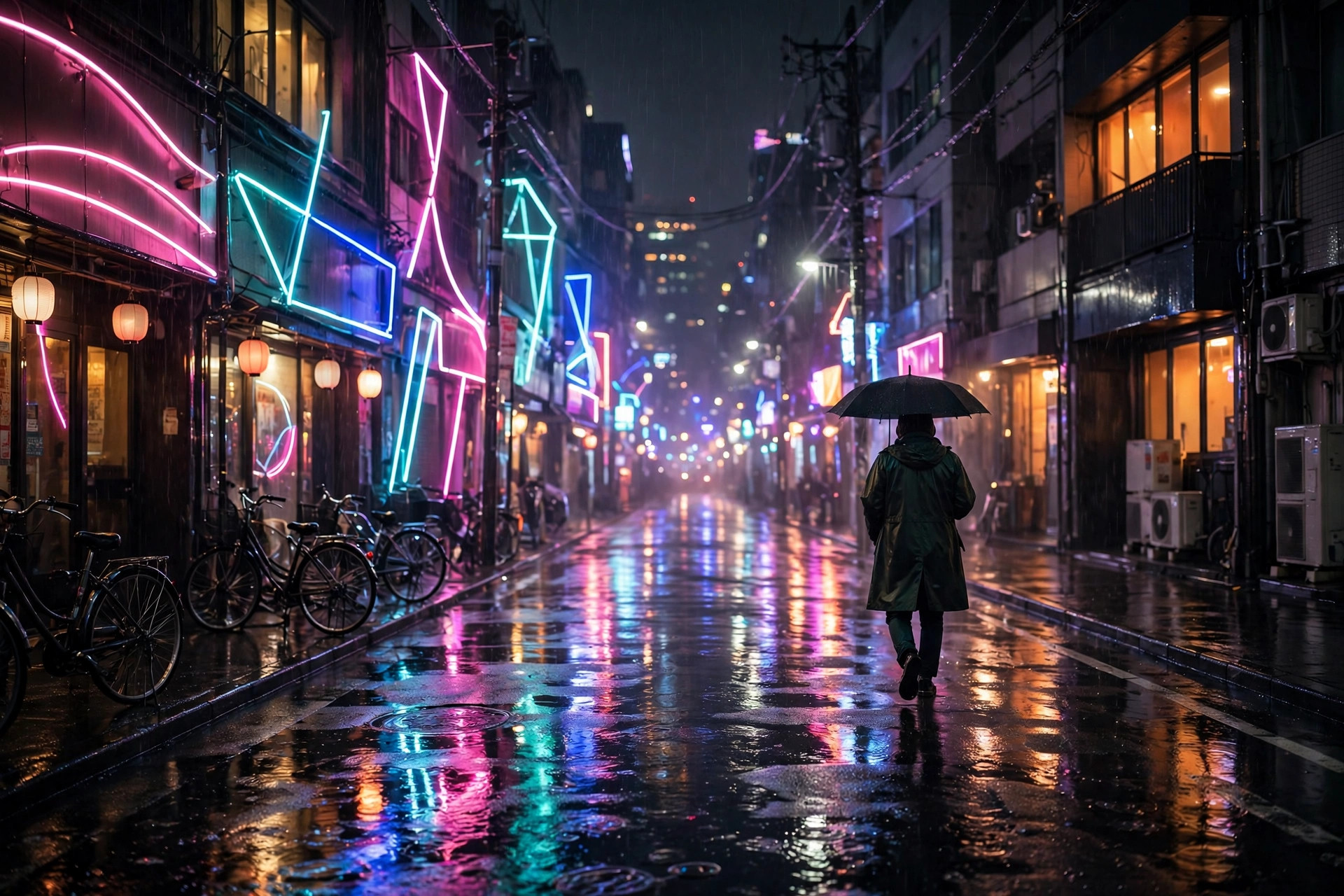
A documentary-style photograph of a quiet city street just after light rain, viewed at eye level from the pavement. Wet stone reflects a soft overcast sky; small puddles gather naturally near the curb. A few pedestrians walk in the middle distance, with shopfronts softly receding into the background. Muted colours, believable reflections, natural contrast and realistic perspective. No dramatic fantasy lighting or exaggerated mirror-like surfaces.
Why common prompt tricks fail
Too many quality keywords: a string of “8K, award-winning, masterpiece, hyper-detailed” terms does not explain the scene. Unrealistic lighting: multiple conflicting light sources can create inconsistent shadows. Excessive blur: strong background blur can hide contextual errors but may also remove useful information. Perfect everything: identical shine, smooth skin and spotless surfaces can make an image look synthetic.
Check the image, not only the prompt
Inspect perspective, object proportions, shadows, reflections, edge detail and background continuity. Zoom in on hands, jewellery, product labels and repeated patterns. AI may create plausible-looking but incorrect details. Correct important errors through another generation, inpainting or manual editing, depending on the platform and project.
Photorealism is a process of visual consistency. A clear subject, plausible light, coherent perspective and appropriate texture generally matter more than a large pile of technical-sounding keywords. If the base prompt still needs work, start with how to write AI image prompts before adding photographic detail.
Worked example: a photorealistic portrait in window light
A common test of photorealism is a simple portrait beside a window. The prompt below works because every detail has a physical reason: the light has one direction, the background is ordinary, and the skin and clothing have texture instead of a plastic shine. Notice that the prompt names the light source, the camera position and the depth of field, and it says what to avoid at the end.
Photographic portrait of a woman in her thirties sitting beside a large window, late afternoon.
Camera viewpoint: eye level, medium framing from the waist up, 85mm lens look, natural perspective.
Lighting: soft daylight from the window on the left, gentle shadow falloff on the right side of the face, no second light source.
Materials and detail: natural skin texture with visible pores, cotton shirt with a fine weave, hair with individual strands at the edges.
Depth: background softly out of focus, a plain wall and a blurred plant behind her.
Colour: warm, slightly muted tones, realistic skin colour.
Avoid: glossy plastic skin, over-sharpened eyes, extra light sources, distorted hands.
When you check the result, look first at the shadow side of the face. If the shadow direction disagrees with the window position, the image will feel wrong even when the face itself looks good. Check the edge of the hair against the background too: a clean, glowing halo usually means the depth of field or the lighting is inconsistent.
Worked example: a product shot that looks like a real photograph
Product images fail most often when the object floats, the shadow is missing, or the surface looks too perfect. This prompt anchors the product to a surface with a contact shadow and gives the material a realistic finish.
Photographic image of a matte ceramic coffee mug on a light oak table, three-quarter view.
Camera viewpoint: slightly above eye level, close framing, 50mm lens look, straight natural perspective.
Lighting: large soft window light from the upper left, soft contact shadow under the mug, faint reflection on the table.
Materials and detail: matte glaze with a slight texture, visible wood grain on the table, a few small coffee stains near the mug.
Depth: background in gentle focus, a blurred kitchen shelf behind.
Colour: warm neutral palette, no oversaturation.
Avoid: floating object, missing shadow, glossy plastic surface, warped handle, visible text.
Compare the generated image with a real product photograph of a similar mug. Ask whether the handle shape is plausible, whether the shadow falls on the correct side, and whether the table reflection matches the light direction. If one of those is wrong, change that single detail in the prompt and regenerate instead of adding more quality keywords.
Common photorealism mistakes and how to fix them
Mixing two light directions: asking for sunset backlight and a bright front flash in the same prompt creates shadows that point in different directions. Pick one main light source and describe it clearly.
Describing the camera instead of the scene: a list of lens names and camera brands does not fix a vague scene. Describe the subject, the setting and the light first, then add one short camera note.
Over-smoothing skin and surfaces: words like flawless, perfect and ultra-smooth push the model toward a plastic look. Ask for natural texture, visible pores and subtle variation instead.
Too much background blur: heavy blur hides errors, but it also removes the context that makes a photo believable. Use gentle depth of field and keep enough of the background readable.
Ignoring scale and contact: a cup with no contact shadow, a chair leg that does not touch the floor, or a hand that does not grip an object will all break realism. Mention the surface the subject rests on and the shadow beneath it.
Photorealism checklist before you generate
- One main light source, with a stated direction.
- A believable setting with a surface the subject rests on.
- A contact shadow under the subject.
- Camera viewpoint and framing stated in one short line.
- Materials described with observable texture, not just gloss.
- One or two natural imperfections that fit the scene.
- A short avoid list with specific errors, not generic quality words.
- A plan to inspect shadows, hands, edges and reflections after generation.
Related guides
Continue with our AI portrait prompts guide, our guide to AI image aspect ratios, and the step-by-step guide on how to write AI image prompts.