Nano Banana is the nickname for Google’s Gemini image model, and in November 2026 it is the tool behind most of the AI images going viral on social media. Its real name is Gemini 3 Pro Image, but everyone calls it Nano Banana — and its prompts are different from Midjourney or Stable Diffusion prompts. You write them in plain English, like a sentence, not like a list of tags. This guide gives you 10 trending Nano Banana prompts for November 2026, each one tested and ready to copy.
If you are new to prompt writing, start with our guide on how to write AI image prompts — the subject, action, setting, style and lighting method works here too, just in full sentences.
What is Nano Banana?
Nano Banana is Google’s image generation and editing model inside Gemini. The current version, Nano Banana Pro, is built on Gemini 3 Pro Image. It is best at three things: understanding plain-English prompts, keeping faces consistent when you edit a photo, and rendering readable text inside images. That last point matters — most AI image generators still garble text, but Nano Banana usually gets short words right. If you are still deciding which generator fits your work, read our guide on how to choose an AI image generator.
The Nano Banana prompt formula
Write one confident sentence, then add composition and style. Google’s own formula is: subject + action + location + composition + style. For editing a photo, the formula is: reference image + relationship instruction + new scenario. For example, upload your photo and write “Turn this photo into a 90s yearbook portrait, keep the same face and smile, studio lighting, soft blue background.” The instruction “keep the same face” is what makes Nano Banana different — it actually listens.
1. Hugging your younger self (Polaroid)
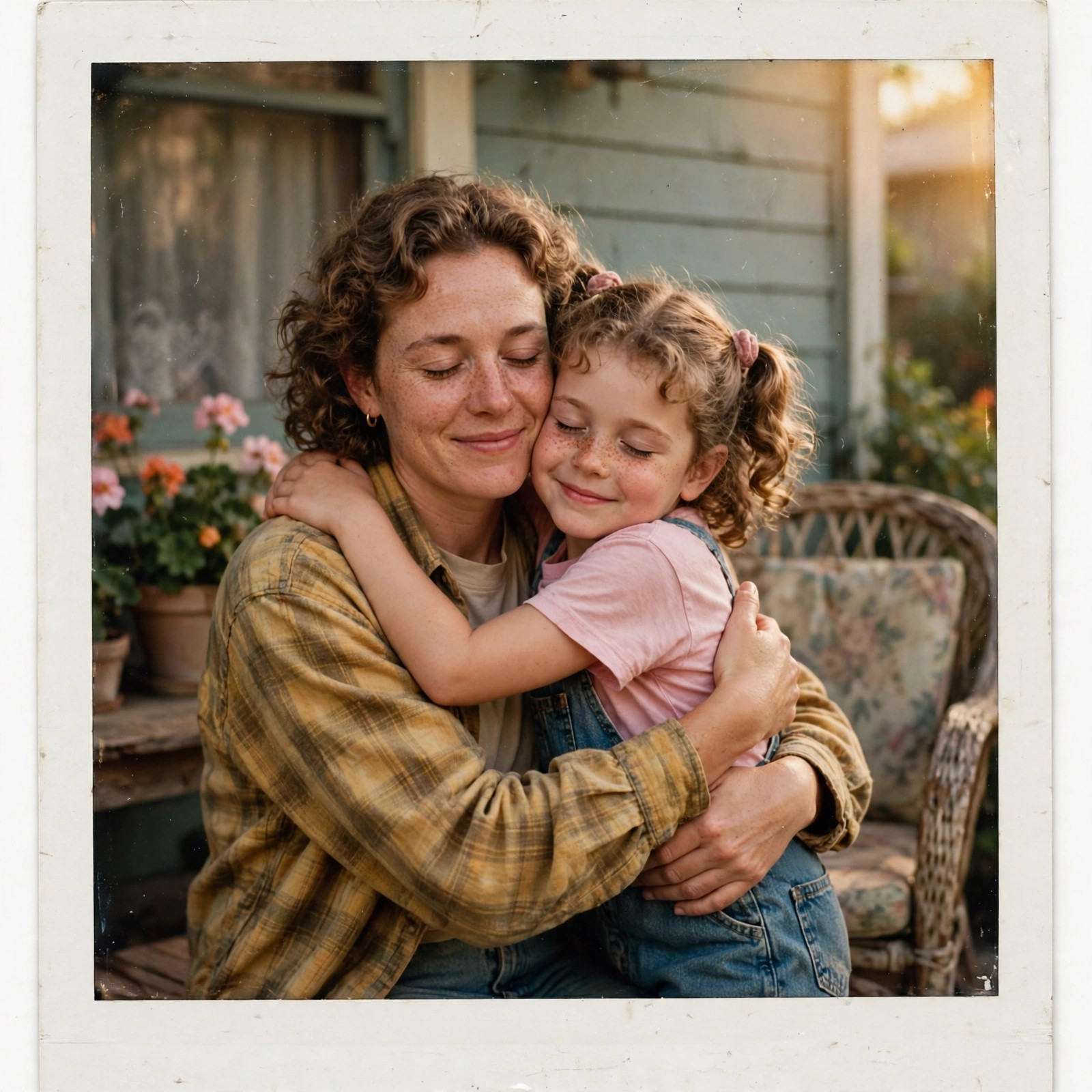
The most shared Nano Banana trend of November 2026. Upload a current photo of yourself and a childhood photo, then write:
Create a nostalgic Polaroid photo of me as an adult hugging my younger self, keep both faces exactly the same, warm vintage tones, soft daylight, authentic 90s film photo look.Use two reference photos for the best result — one of you now, one of you as a child. The model blends them, and the Polaroid frame sells the nostalgia.
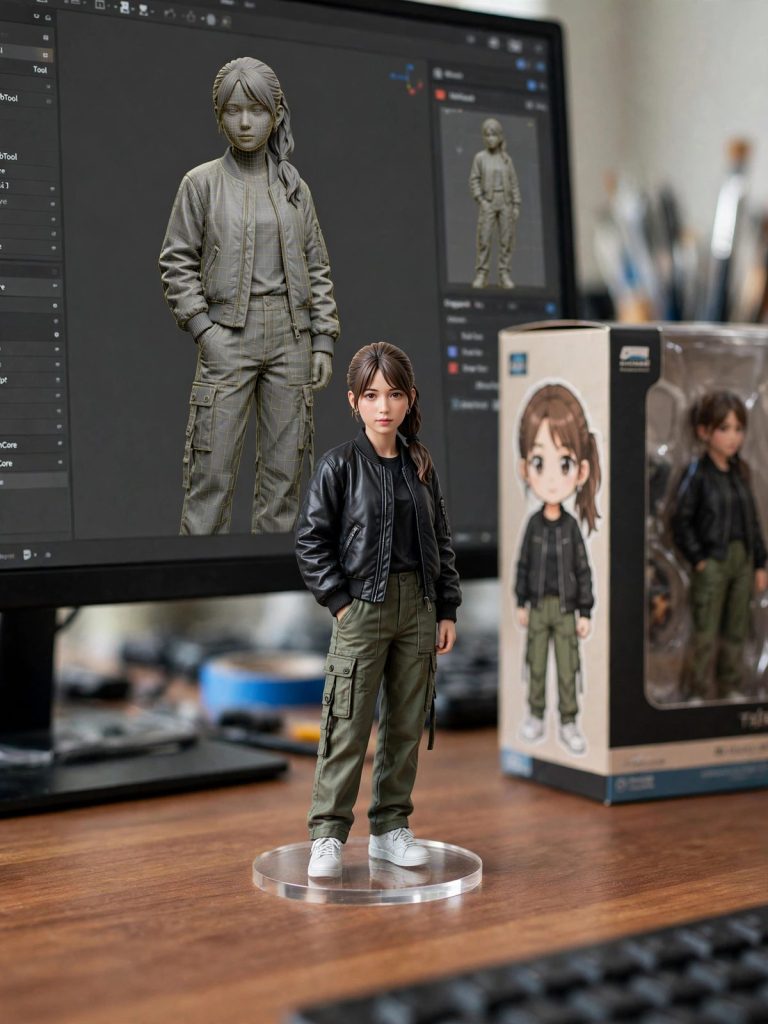
2. Desk collectible figurine with box
Turn this photo into a small collectible figurine standing on a desk next to its toy box, same face and outfit, soft studio light, cute 3D figurine style, clean background.This trend works because the figurine looks like a real product. Keep the background clean so the figurine and its box are the whole image.
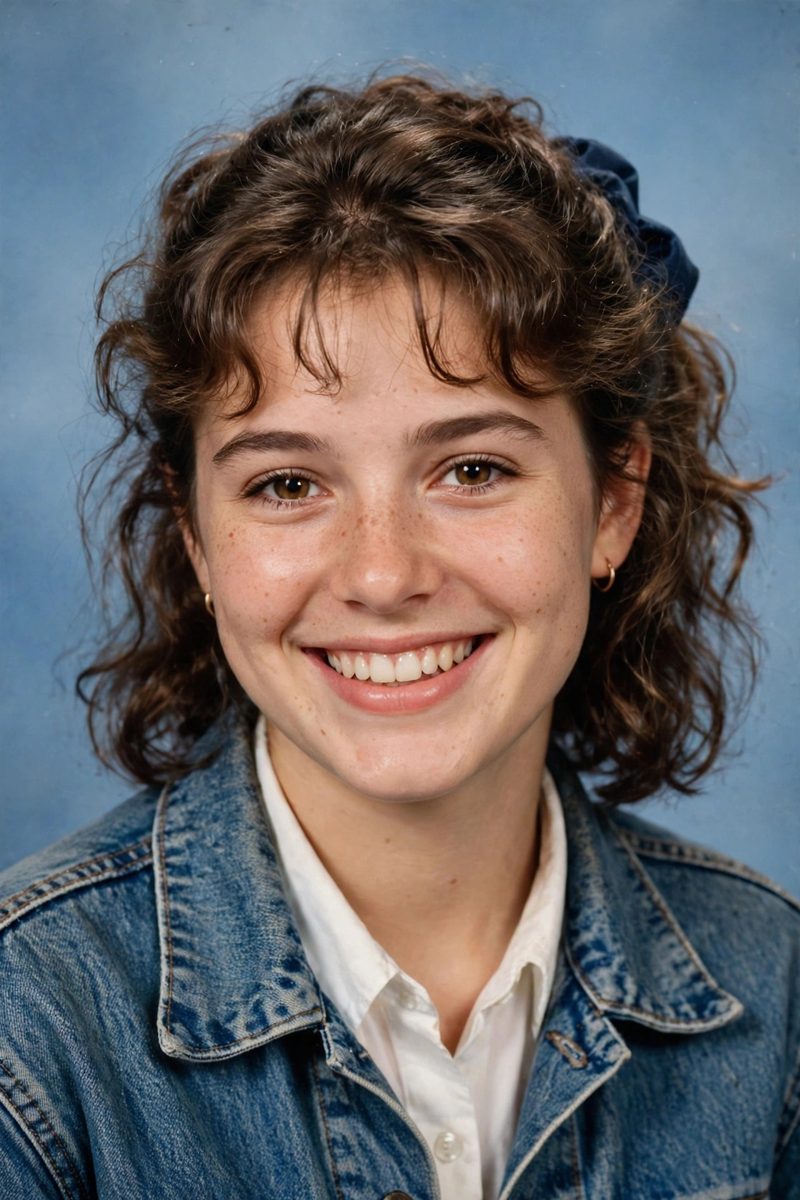
3. 90s yearbook portrait
Turn this photo into a 90s yearbook portrait, keep the same face and smile, studio lighting, soft blue background, vintage school photo style, slightly faded film colours.Yearbook portraits are forgiving — soft light and a plain background hide most AI imperfections. For more portrait technique, see our AI portrait prompts guide.
4. Neon rain cyberpunk street
A neon cyberpunk street at night in the rain, pink and blue neon signs, wet pavement reflections, a lone person with a glowing umbrella, cinematic, 35mm lens.Cyberpunk is a text-to-image prompt, not a photo edit — no reference photo needed. The rain and reflections do most of the work; keep the prompt short and let the model fill in the details.
5. Hand-painted anime countryside
A hand-painted anime countryside, rolling green hills, a small village, fluffy clouds, warm afternoon light, Ghibli style, soft brush strokes.Anime and Ghibli-style images are among the most shared Nano Banana results. The words “hand-painted” and “soft brush strokes” matter more than naming a studio.
6. Levitating sneaker splash shot
A levitating sneaker splash shot, white sneaker floating above a splash of water, bright studio light, clean white background, product photography, frozen motion.Splash shots are the product-photography version of this month’s trends. For more product technique, read our AI product photography prompts guide.
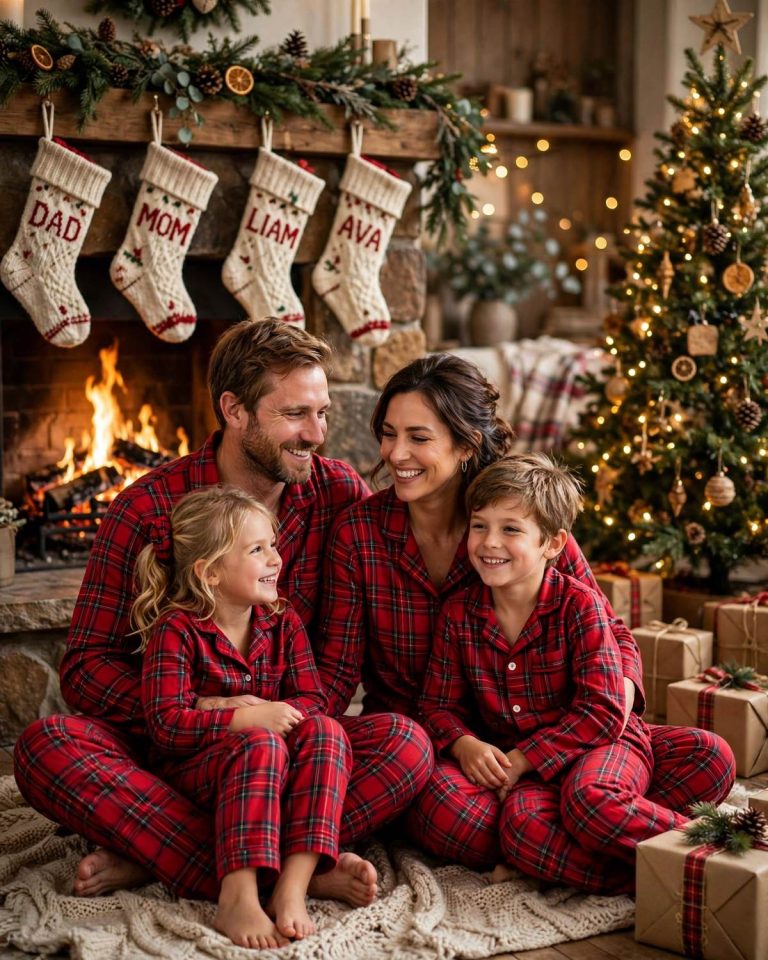
7. Family photo as Ghibli-style portrait
Turn this family photo into a Ghibli-style anime portrait, keep everyone's face and pose the same, soft colours, hand-painted look, warm and gentle mood.Family photos work well because Nano Banana keeps faces consistent. Upload a clear, well-lit family photo and change only the style.
8. Pet turned into a plush toy
Turn my pet into a cute plush toy made of soft fabric, sitting inside a claw machine with other plush toys, same colours and markings as my pet, soft studio light.Pet plush toys are huge on social media right now. Name your pet’s colours and markings in the prompt so the toy still looks like your pet.
9. Candid film photo (Kodak Portra look)
An authentic 35mm candid photograph of a woman laughing naturally on a windy beach at twilight, messy wind-blown hair, oversized knitted cardigan, Kodak Portra 400 film grain, warm muted tones.Film looks are the biggest aesthetic trend of 2026. Words like “Kodak Portra 400”, “film grain” and “candid” tell the model to add the imperfections that make a photo feel real. Our guide on how to make AI images look photorealistic explains why this works.
10. Personal colour analysis graphic
Create a personal colour analysis using this picture, show which colours suit the subject best with clothing colour comparisons, visual-first layout, short labels only, clean infographic style.This one is different — it is an infographic, not a photo. Nano Banana handles short labels and simple layouts better than most models, which is why colour and hairstyle analysis graphics are trending.
Five Nano Banana mistakes to avoid
1. Writing tag soup. Nano Banana wants sentences, not comma-separated tags. Write it like you would describe the image to a friend.
2. Forgetting “keep the same face”. For photo edits, always say which face to keep. Without that instruction, the model invents a new face.
3. Too many changes at once. Change the style or the scene, not both. One clear instruction beats five vague ones.
4. Expecting perfect long text. Short words usually render correctly, but long sentences still break. Keep any text in the image to a few words.
5. Using Midjourney parameters. Nano Banana ignores –ar and –v. Set the aspect ratio in the app instead, and write the style in words.
Quick checklist
Before you generate: is your prompt a full sentence? Did you name the subject, the action and the setting? For edits, did you say “keep the same face”? Is the aspect ratio set for where the image will be posted? If yes to all four, you are ready.
Nano Banana vs Midjourney vs GPT Image 2
Which tool should you pick for these prompts? Nano Banana is the best default for most people because it takes plain-English sentences, keeps faces consistent in photo edits, and renders short text correctly. GPT Image 2, inside ChatGPT, wins when you need careful conversational editing — you can ask for one small change at a time and it keeps everything else the same. Midjourney still wins on pure style and cinematic looks, but its prompts need parameters like –ar and –v, and it cannot edit your own photo the way Nano Banana can. Stable Diffusion wins when you need local control and negative prompts. The good news is that most prompts in this guide work in any of these tools — only the Midjourney parameters are tool-specific, and Nano Banana simply ignores them.
Related guides
Keep learning with these guides: How to Write AI Image Prompts That Actually Work, Midjourney Prompts for Beginners, AI Headshot Prompts for Professional LinkedIn Photos, and How to Choose an AI Image Generator.